Windows · needs Link · a published @nexusnode.link name
What it is
Image Book connects to Link. A volume is the artwork inside that wallet.
You can attach multiple images or one pdf to a book
The first book on a wallet is free.
The shelf
A volume
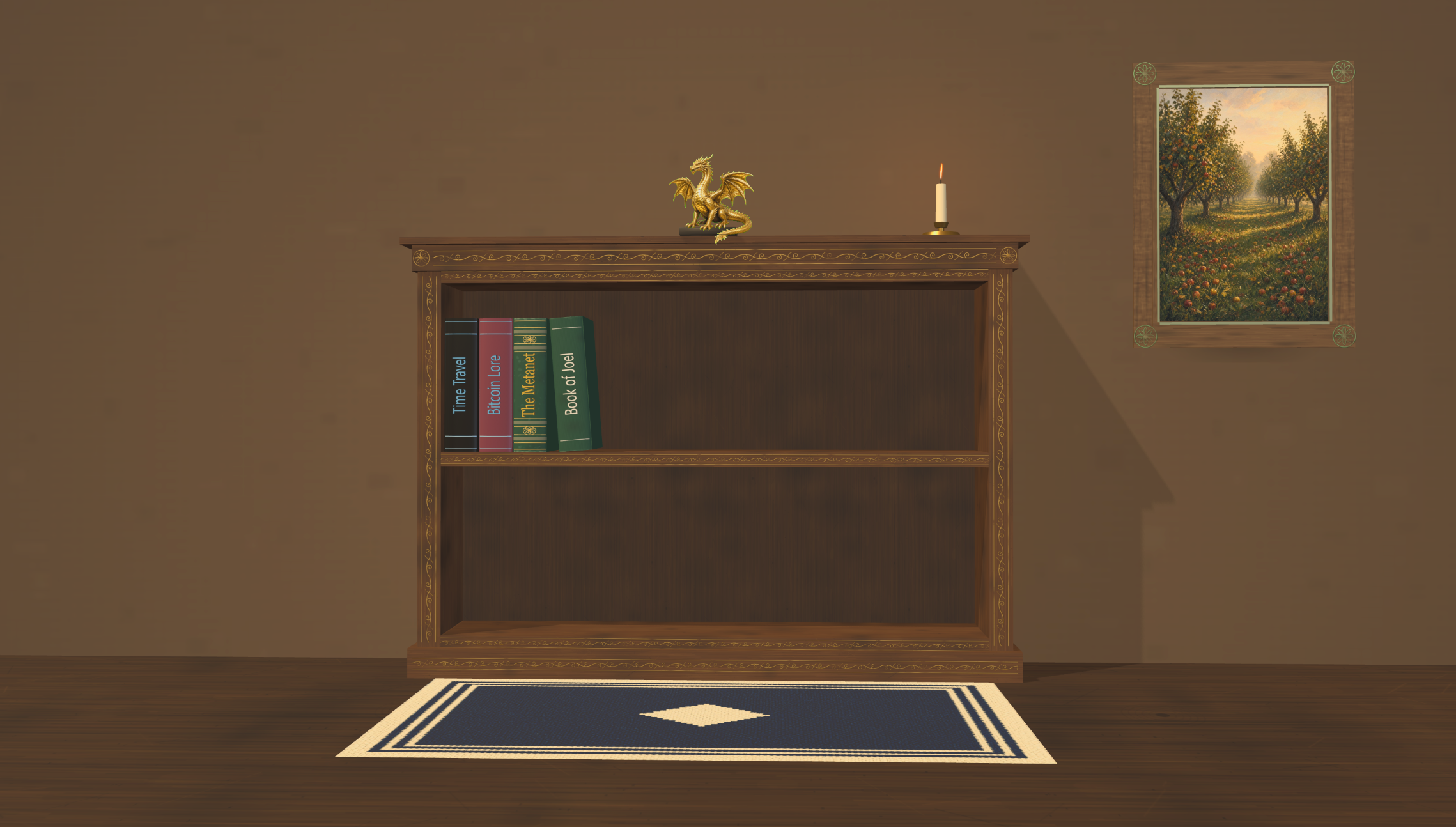
You name it. It stands on the bookcase.
Artwork
Scan brings in the tagged pictures. Include all is the whole set.
Contents
Open a book. The pieces are listed.
Leave artwork out
You can exclude items from any book.
Use this to only include images you want in each book.
A later book
The first volume is free. Each later volume is 10000 sats. Link asks before it pays. Cancel, and the shelf stays as it was.
The room
The bookcase is the front room.
You can buy optional items to enhance the look.
Candles, a gold dragon, rugs, and pictures Right-click to put items in storage.
A single picture can be dragged to right or left side.