Link

Bitcoin SV wallet

Link

Your connection to everything.

Windows · 18+
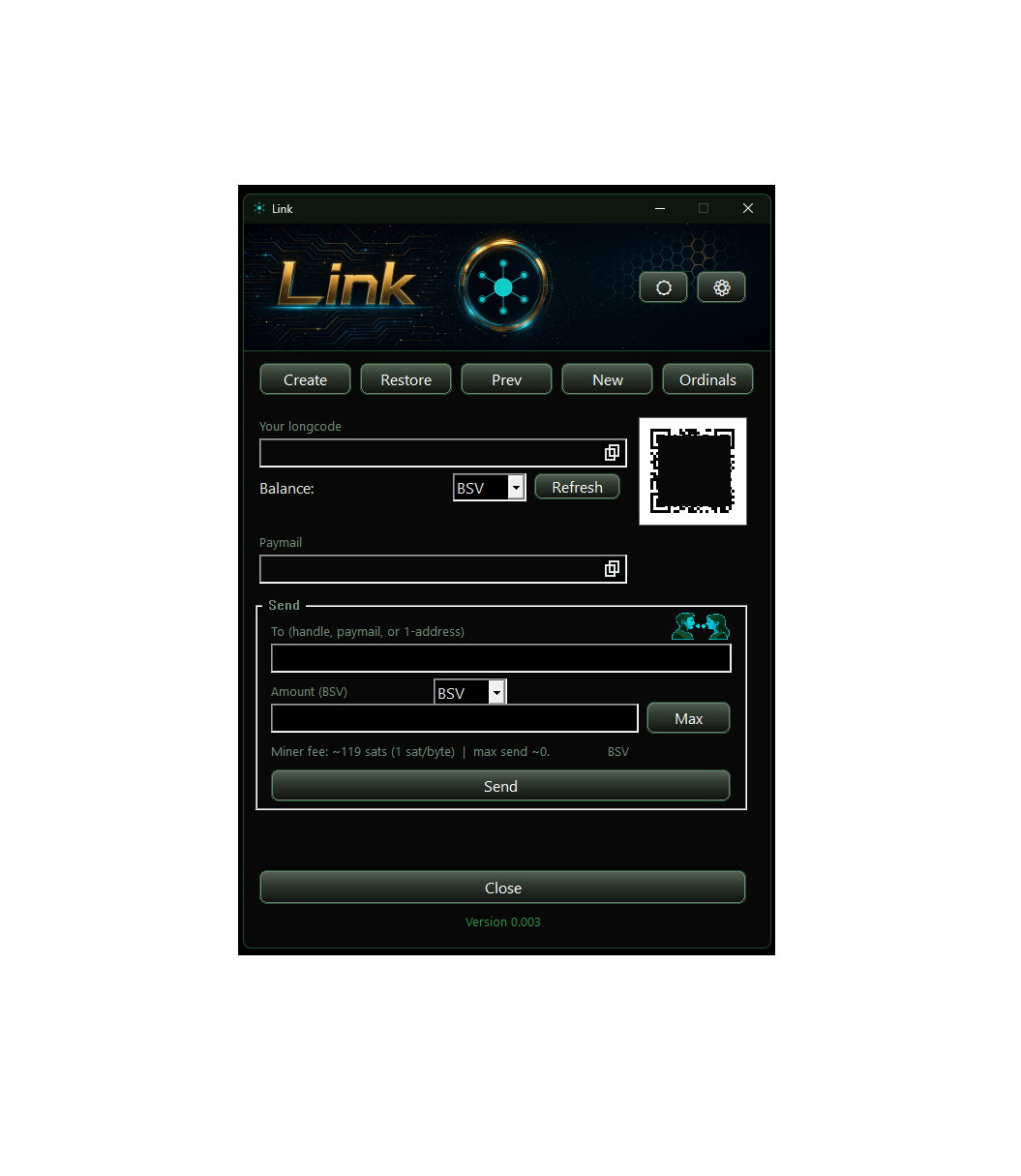
Link wallet — longcode, paymail, send, and QR

What it is

Link is a Windows HD wallet for Bitcoin SV.

Use Link to create or send Ordinals.

A paymail (name@nexusnode.link) is your username.

Connect apps to this wallet, Link will spend when called on.

Why use it

Seed on device

BIP39 backup. Write the twelve words down. Write down your WIF/privkey, or Park your wallet to create a digital backup, move your parked wallet to a USB or similar for a hard copy backup. This is not a hosted wallet. This is your wallet & your responsibility!

Choose your Paymail name

name@nexusnode.link is PKI and a payment address. Spend keys never leave Link.

One identity, extra paymails

More paymails on the same identity — not a second wallet. You can still create more wallets and have even more paymails.

Apps ask, Link holds

Nexus Node pays and signs from here. Connect an install to a named wallet. Apps, tools or games do not read the seed.

Receive and send, only miners fee

Longcode, QR, paymail, or a 1… address. Refresh the balance. Miner fee is shown before you send. There are no other fees for using Link, connected apps carry their own fees.

Named wallets

Keep more than one wallet in the app. Create, restore, or park. Pick which wallet an app may use.

Ordinals

Inscribe a picture, mint a BSV-21 token, bind an identity avatar. Inscribed 1-sat lots are not spent as fees.

No company inbox, no fees

No signup with us. If this site vanished, the wallet on your disk would still be the wallet.
How it works

  1. 1Install Link. Create a wallet or restore from twelve words. Write the seed down. It will not be shown again.
  2. 2Claim a paymail (name@nexusnode.link). Fund the longcode with a little BSV for fees and sends.
  3. 3Connect Nexus Node (or another first-party app). Approve the bind in Link. The app asks; Link signs.

Windows desktop. Do not share your keys.